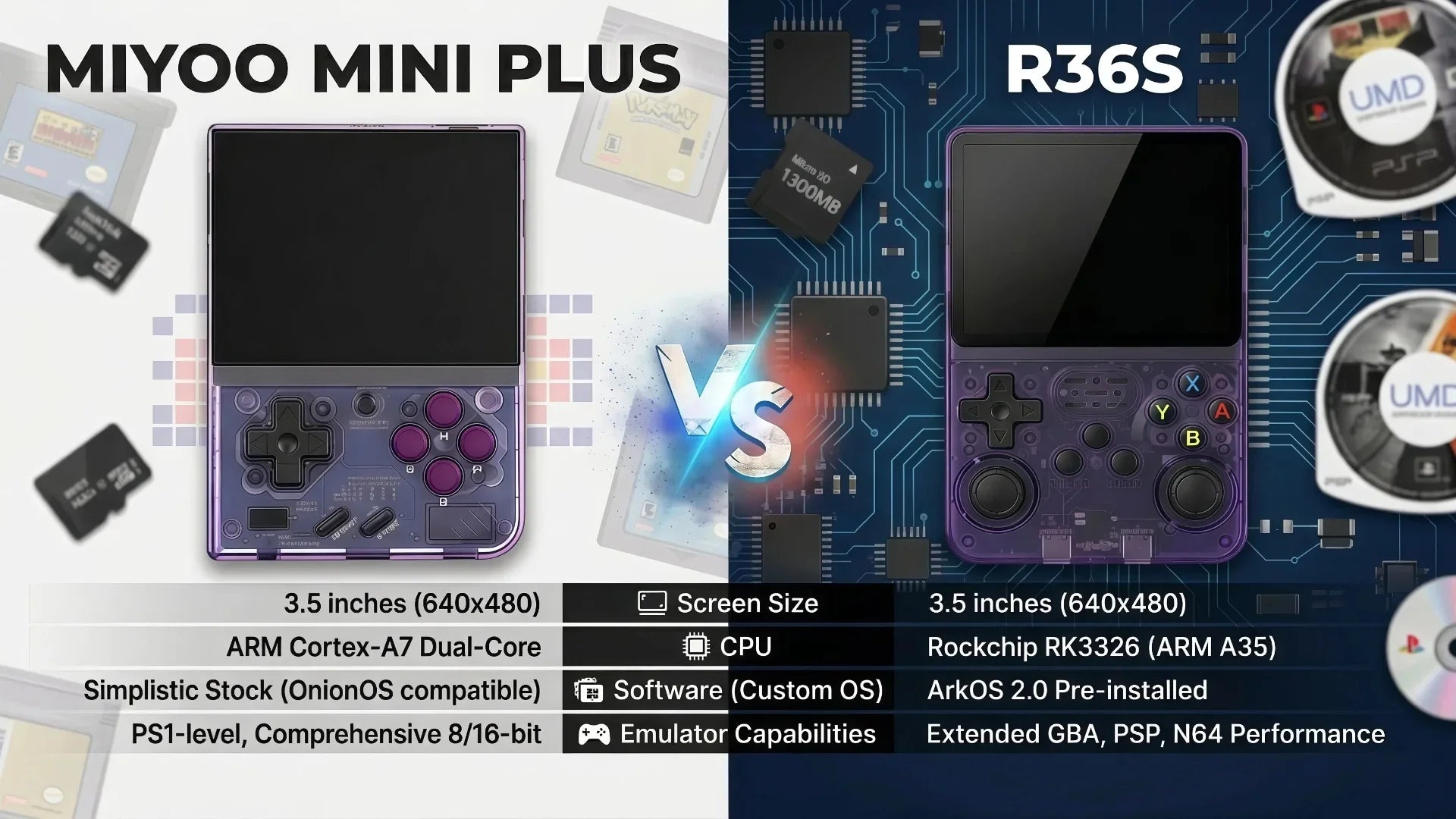
Miyoo Mini Plus Onion OS Setup Guide (Safe Version for Preloaded Game Cards)
If you purchased a Miyoo Mini Plus retro handheld console with preloaded games, you do NOT need to format your SD card or erase anything.
In fact, formatting may delete the built-in game library that comes with your device.
This guide is designed specifically for users who want to:
- Keep preloaded games safe
- Optionally upgrade to Onion OS
- Improve system performance
- Avoid breaking the existing setup
Important Before You Start
Most Miyoo Mini Plus units with games included come with:
- Preloaded SD card with retro games
- Pre-configured system files
- Ready-to-play setup out of the box
👉 DO NOT format the SD card
👉 DO NOT delete system folders
If your system is already working, you can start playing immediately.

Option 1: Play Directly (Recommended for Most Users)
The simplest way to use your Miyoo Mini Plus:
- Insert the SD card
- Power on the device
- Select your game system
- Start playing
No setup required.
This is the true plug-and-play Miyoo Mini Plus experience.
Option 2: Install Onion OS (Advanced Users Only)
If you want a smoother interface and better system features, you can install Onion OS.
⚠️ Important:
This step is optional and should be done carefully.
We recommend backing up your SD card first.
Step 1: Backup Your SD Card
Before anything:
- Connect SD card to your computer
- Copy ALL files to a backup folder
This ensures your preloaded games are safe.
Step 2: Download Onion OS
Download the latest Onion OS for Miyoo Mini Plus from official community sources.
Extract the files to your computer.
Step 3: Copy Onion OS Files
Instead of formatting:
- Simply copy Onion OS files into a new folder on SD card
- Do NOT overwrite game folders unless instructed
- Keep original “Roms” folder untouched
This is the safest method for preloaded systems.
Step 4: First Boot
Insert SD card back into Miyoo Mini Plus:
- System will boot into Onion OS
- Existing games may still be accessible depending on structure
- New UI will appear
Step 5: Organize Games (Optional)
You can now:
- Keep original games
- Or reorganize into Onion OS categories
- Add new ROMs without deleting existing ones
Why You Should NOT Format Your Miyoo Mini Plus Card
Many generic tutorials online suggest formatting—but for your version:
❌ Formatting will delete preloaded games
❌ You may lose original setup files
❌ Some systems may stop working properly
👉 That’s why your Miyoo Mini Plus comes pre-configured.
Benefits of Onion OS (Optional Upgrade)
Even if you keep preloaded games, Onion OS adds:
- Faster system navigation
- Cleaner interface
- Better save/load system
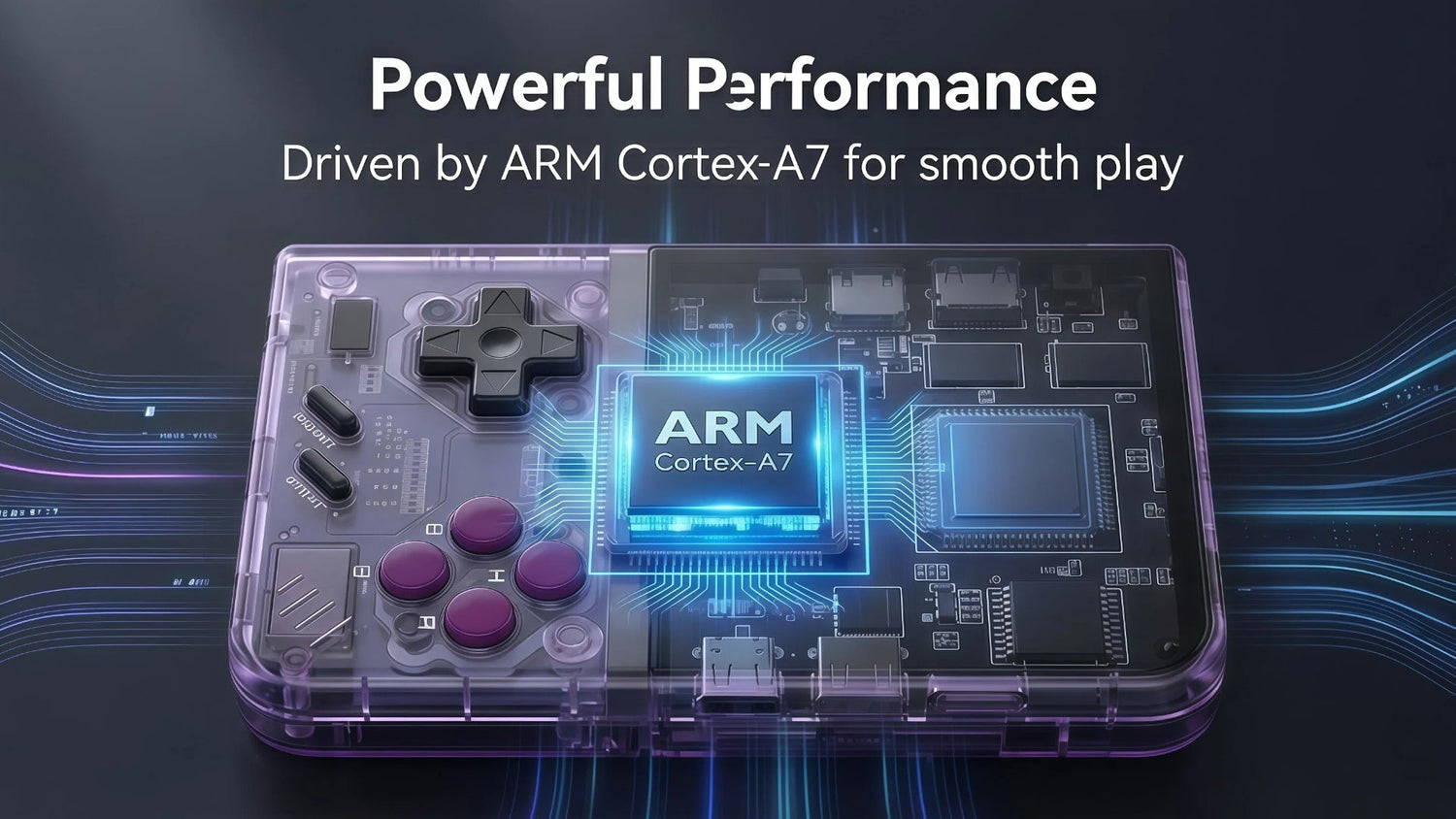
- Improved emulator compatibility
- More stable retro gaming experience
Miyoo Mini Plus Experience (Out of the Box)
Your device is designed to be:
🎮 Ready to play immediately
🎮 No technical setup required
🎮 Portable retro gaming console for daily use
This is what makes Miyoo Mini Plus popular in the US and global retro gaming community—it removes complexity.
Final Recommendation
If you are a beginner or casual user:
👉 Just play directly (no setup needed)
If you are an advanced user:
👉 Backup first → then install Onion OS carefully