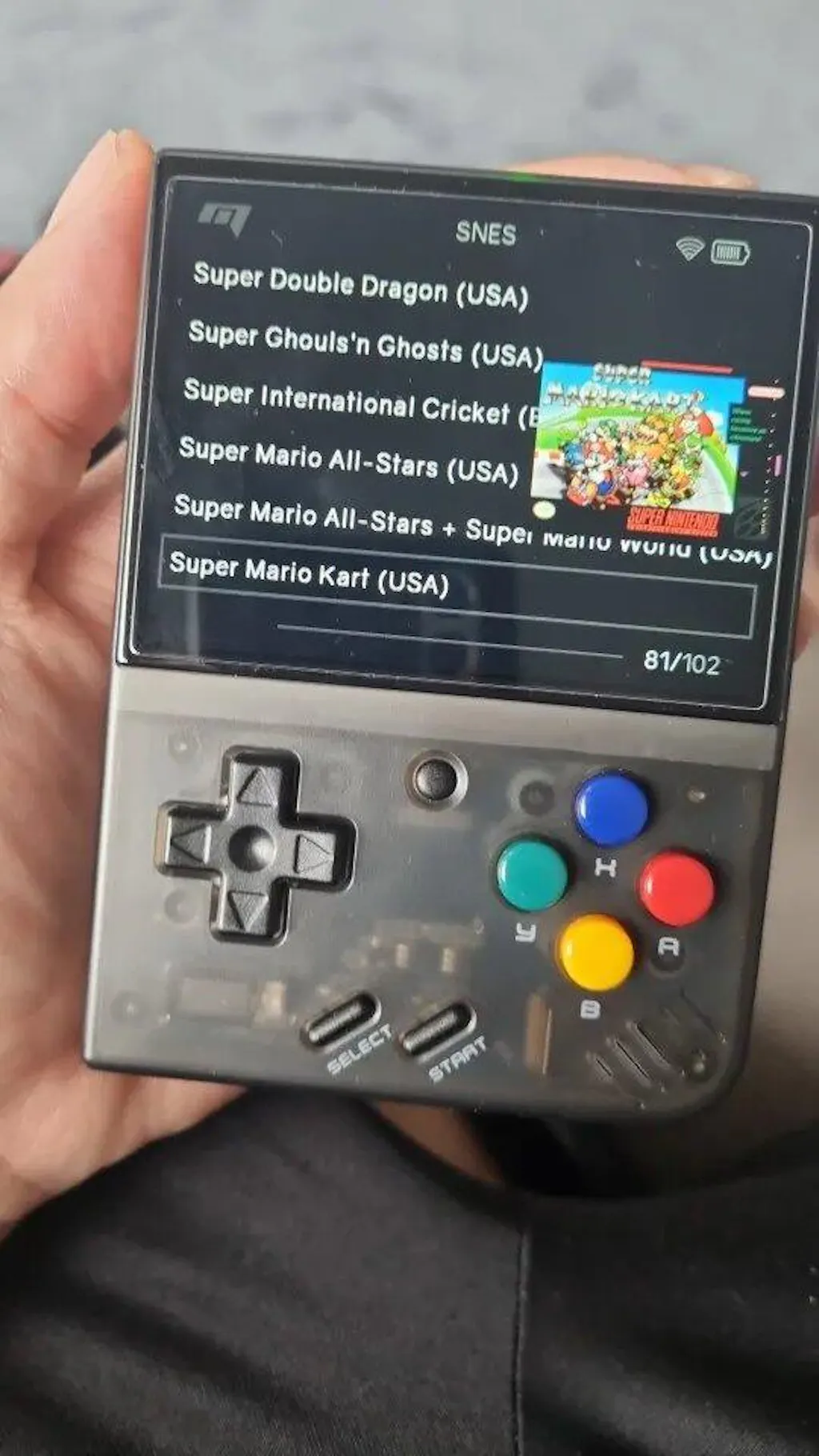
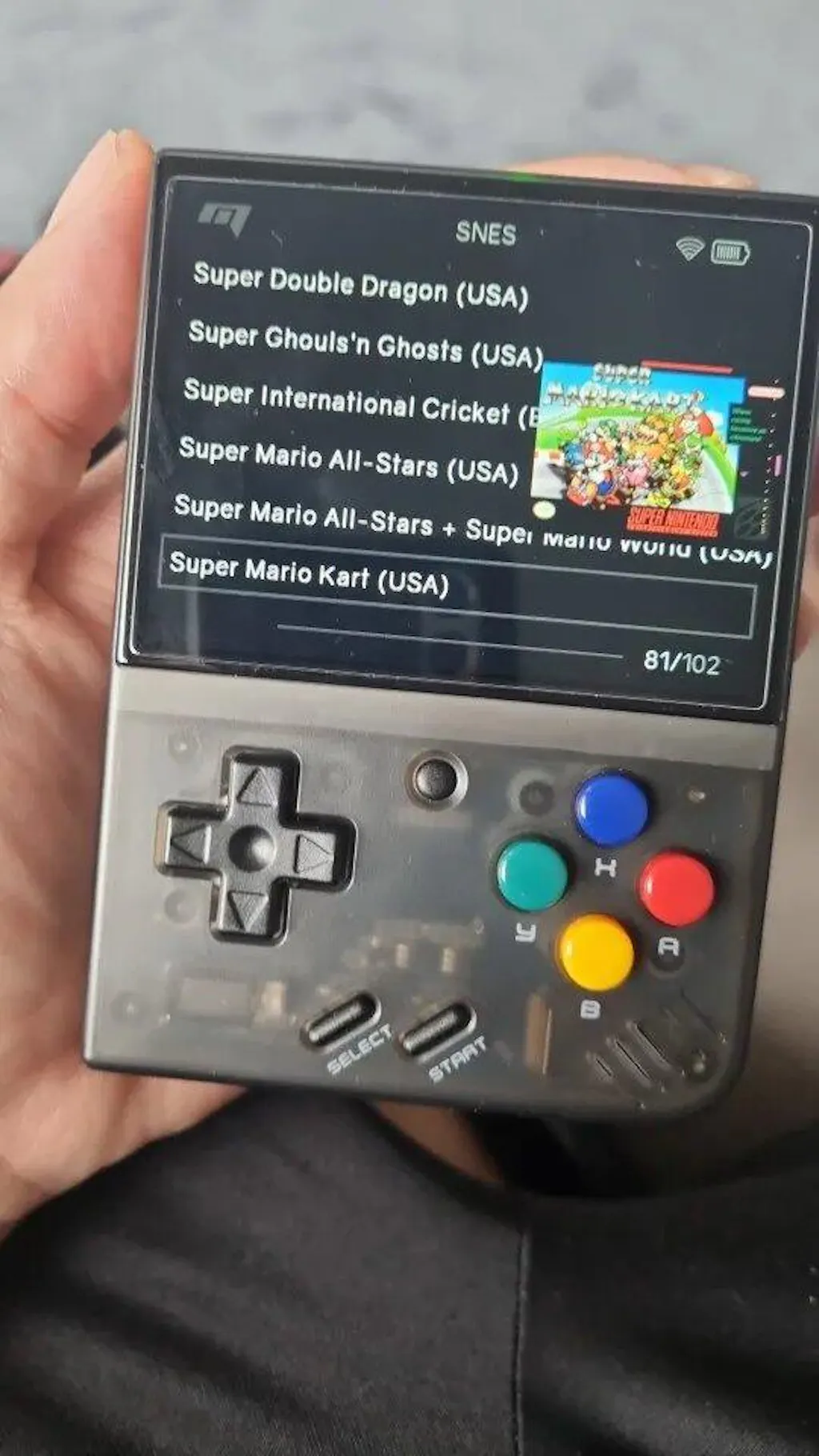
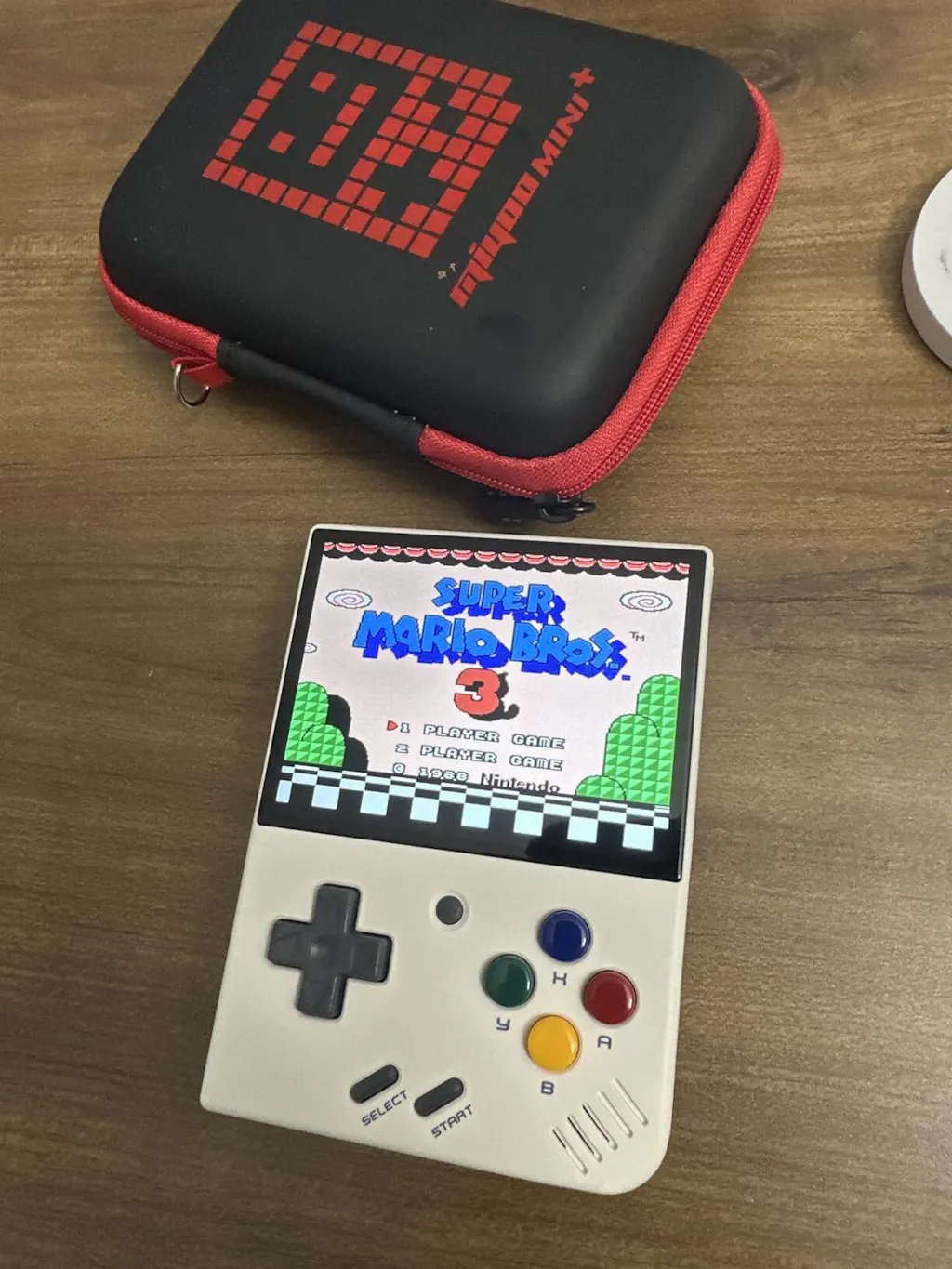
Miyoo Mini Plus Handheld Game Console

Miyoo Mini Plus – Portable Retro Handheld Game Console
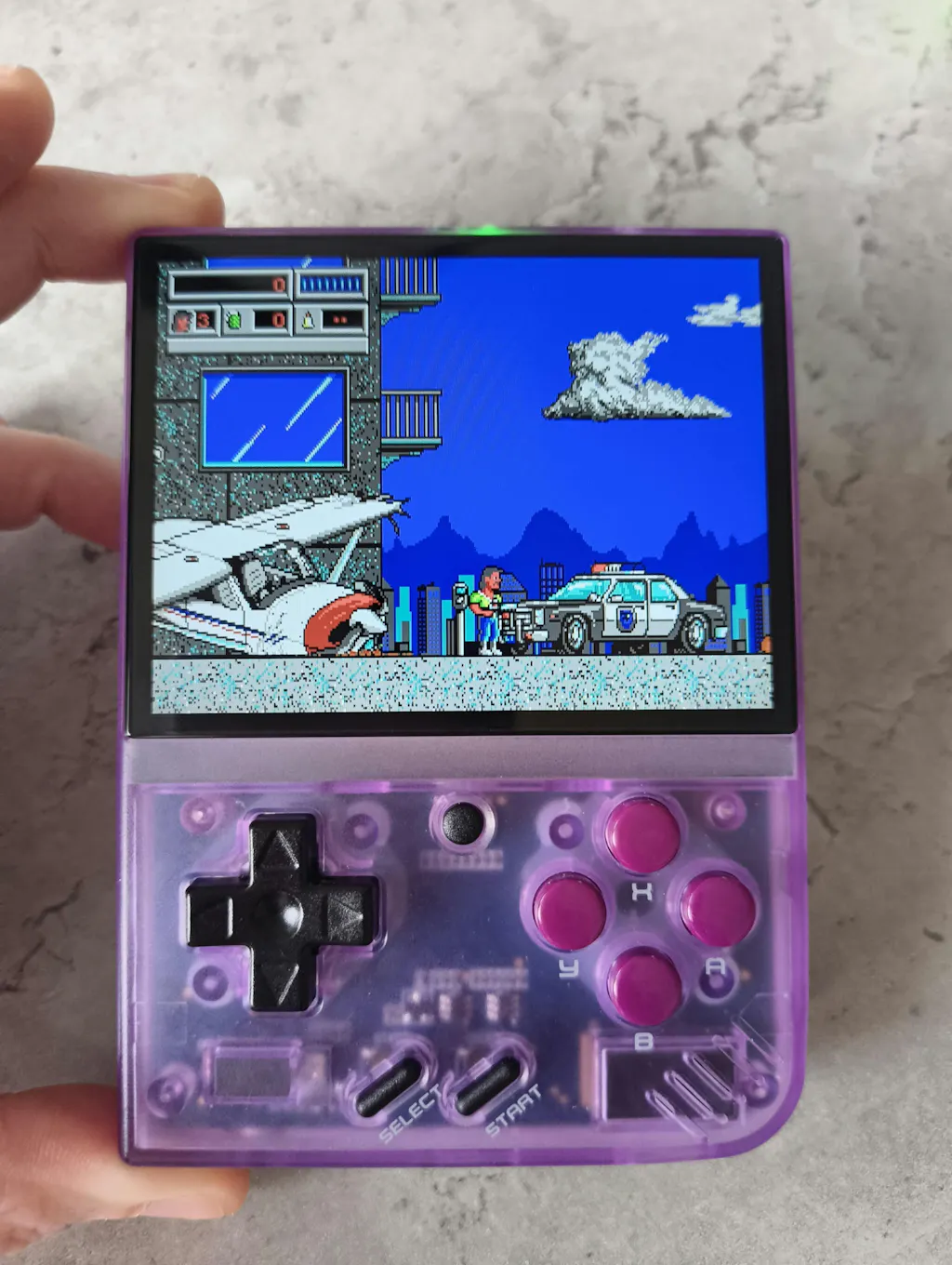
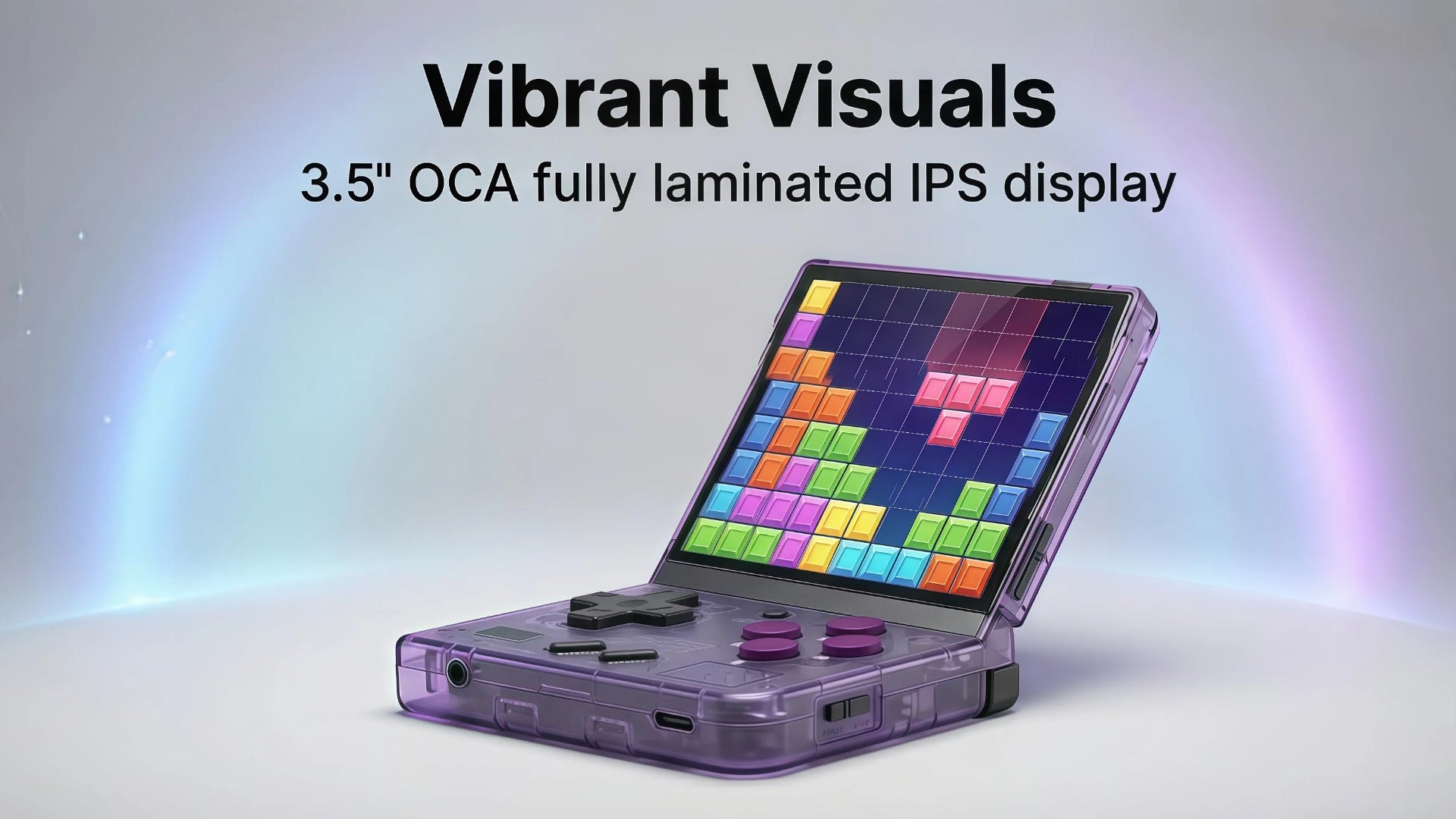
🎮 3.5” IPS Retro Display
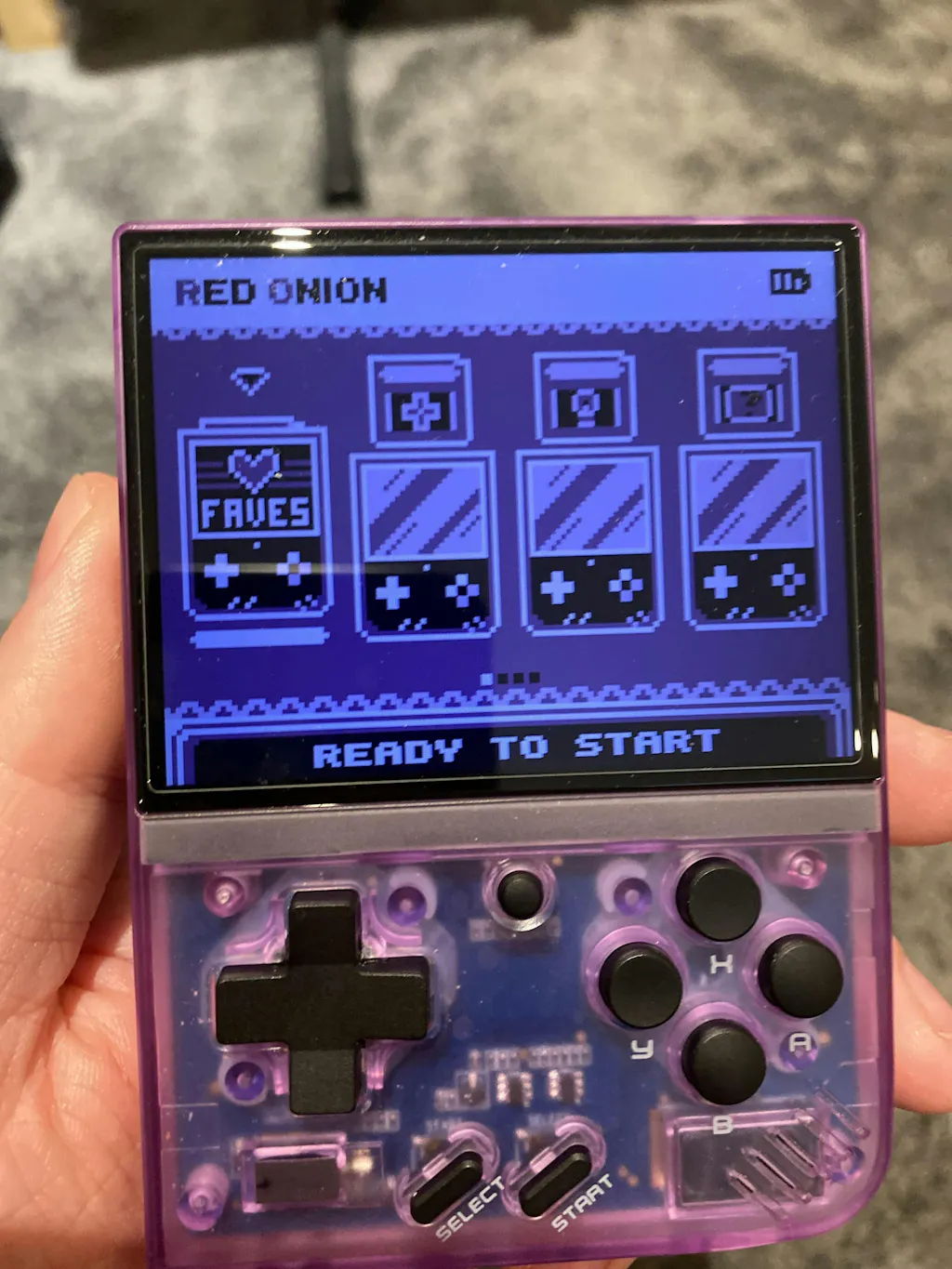
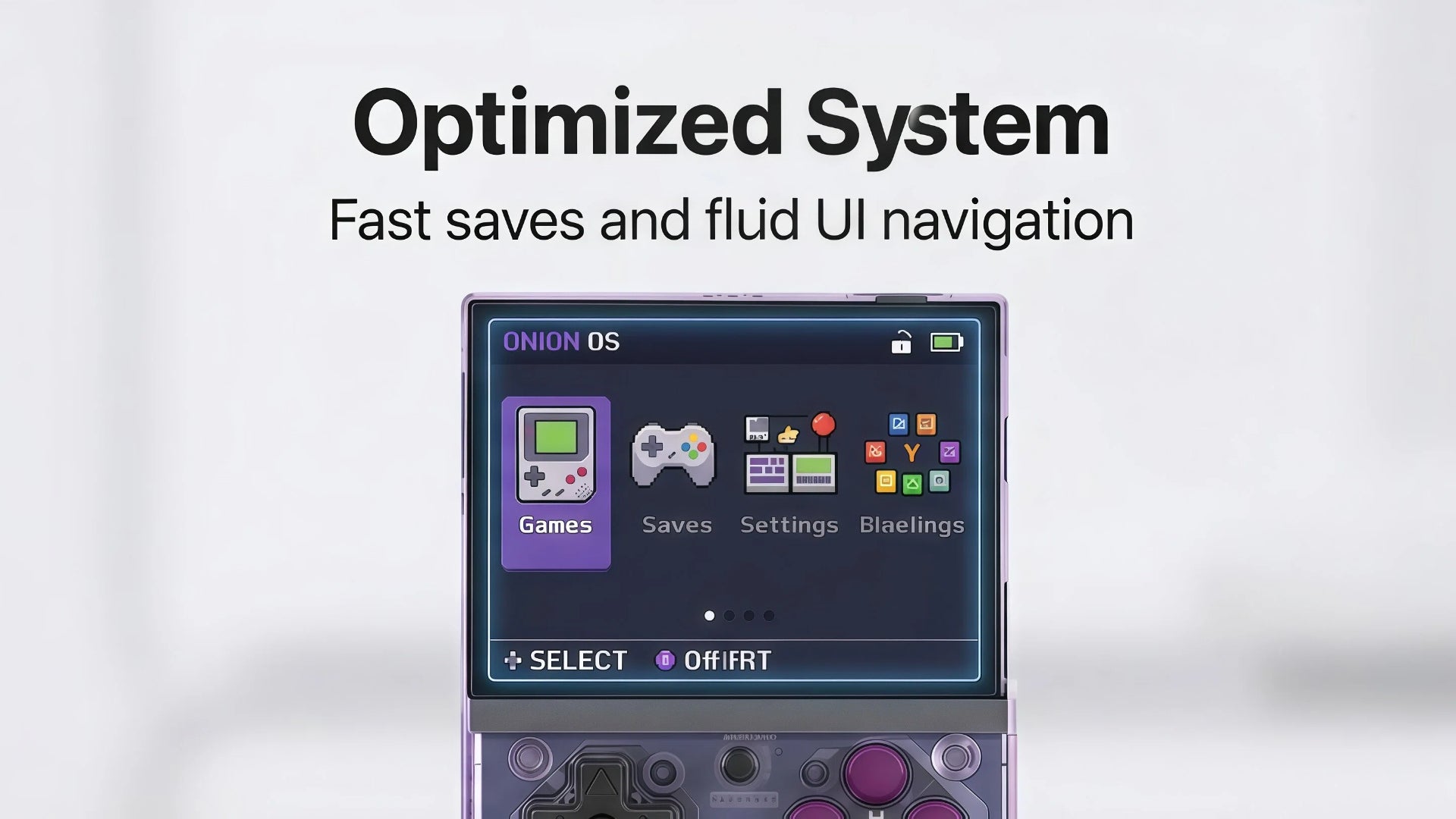
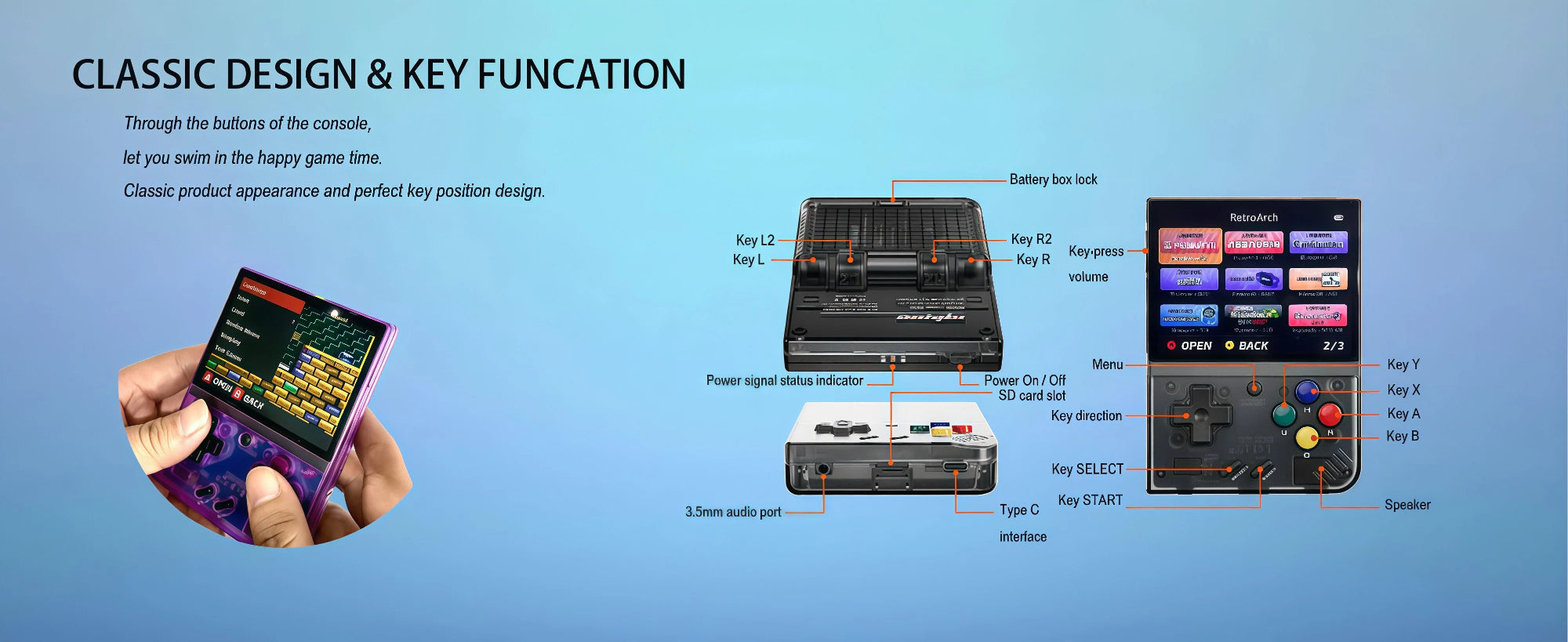
🎮 OnionOS System (User-Installed Games Supported)
🎮 WiFi Multiplayer & Local Battle
🎮 3000mAh Battery – Up to 6 Hours Playtime
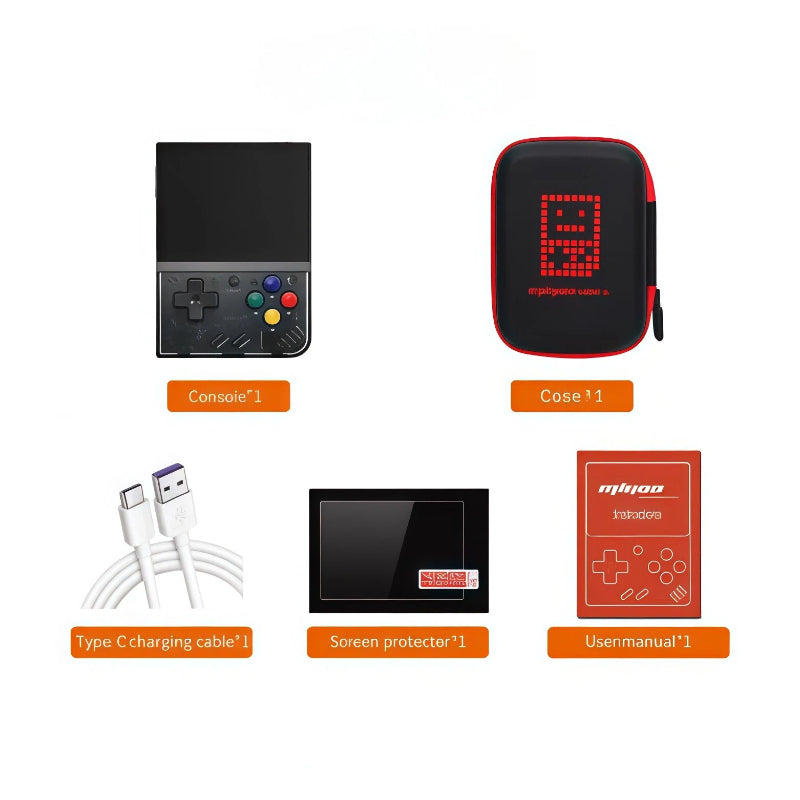
🎮 All-in-One Pack with Portable Case
All orders are processed within 24–48 hours. Delivery typically takes 10–15 business days, depending on your location.
For bulk orders, we will arrange the most suitable shipping method to ensure safe and efficient delivery.
Every product comes with a 1-year warranty covering manufacturing defects and performance issues.
We stand behind our quality — if your product encounters any problem during normal use, our support team is ready to help with replacements or repairs.
If the product you purchased goes on sale within 30 days of your order, you can request a refund for the price difference.
Your satisfaction and trust mean everything to us.
Looking for bulk purchases or custom logo packaging for your business?
We support B2B customization — simply provide your logo or product image, and our factory team can help produce or source it at a competitive price.
Why Choose Miyoo Mini Plus?
The Miyoo Mini Plus is the undisputed king of compact retro gaming. It features a perfect 3.5-inch IPS display and, most importantly, relies on the highly optimized OnionOS system (User-Installed Games Supported) for seamless navigation and save states. With built-in Wi-Fi for multiplayer play and a large 3000mAh battery, it's the ultimate all-in-one pack for GBA and PS1 emulation on the go.
Play Anywhere, Anytime
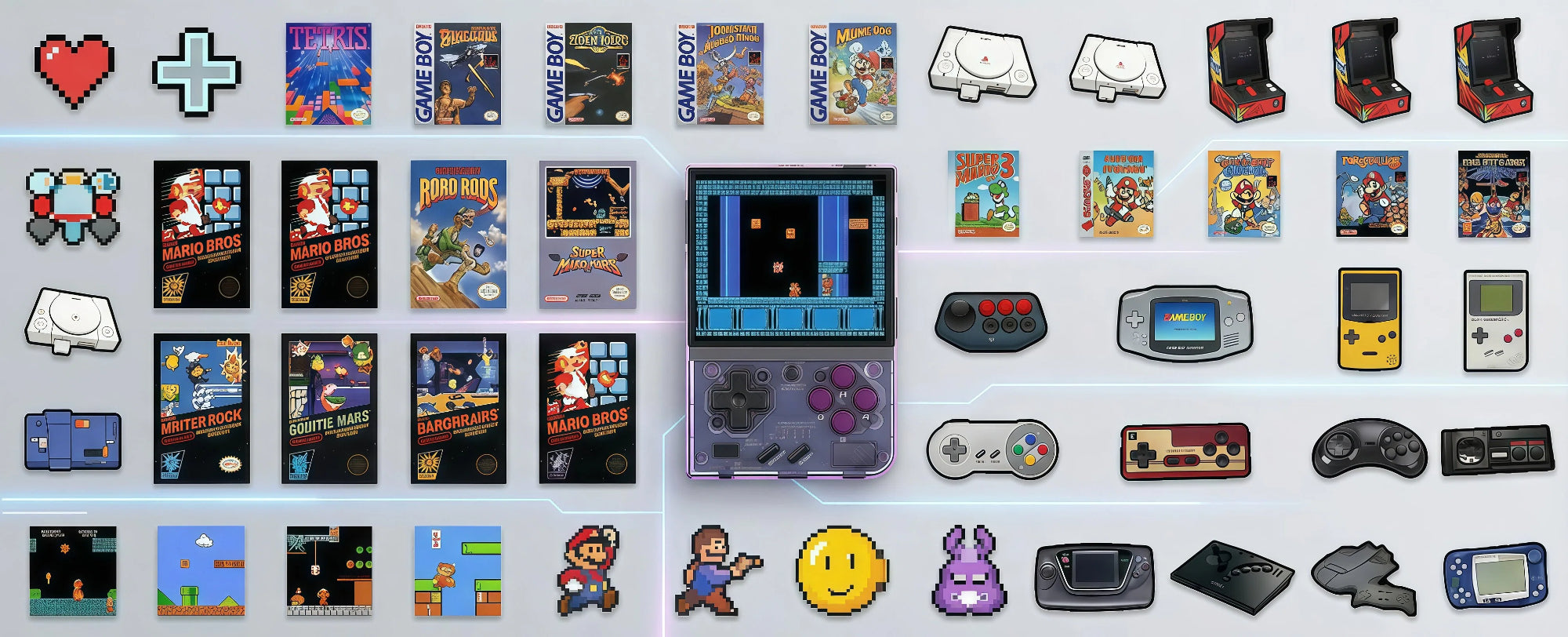
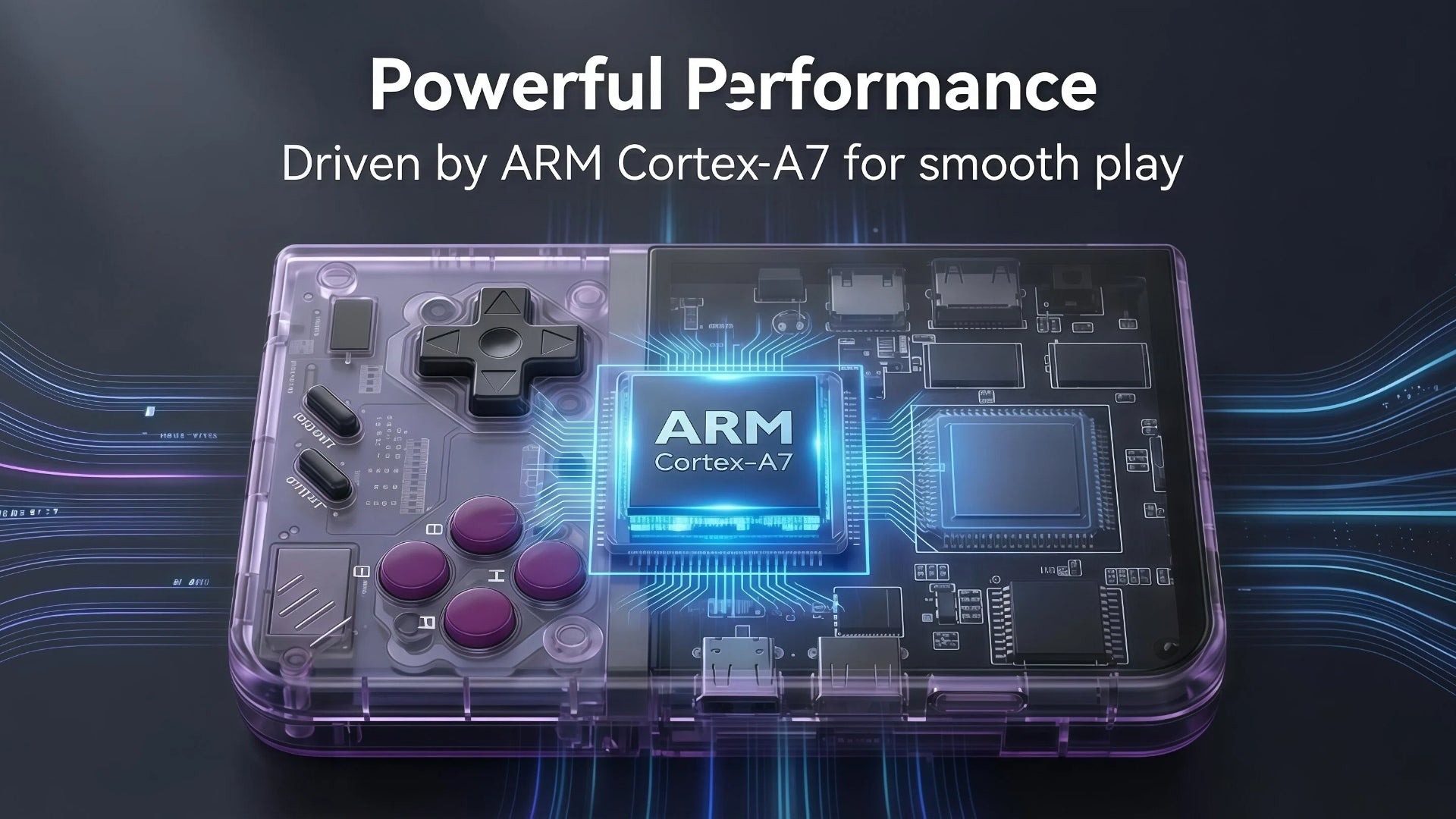
Relive the golden age of gaming with the Miyoo Mini Plus. Designed for gaming at home, on the go, or online with friends, this handheld redefines portable entertainment. Immerse yourself in classic titles rendered in stunning clarity on the 3.5" IPS display. Driven by a powerful ARM Cortex-A7 and optimized via the beloved OnionOS system, you'll enjoy fluid UI navigation and incredibly fast save states, just like the enthusiast community demands.

Wi-Fi Online Play
Enjoy smooth wireless gameplay with retro and classic games on the go.

Online Multiplayer Battles
Play with friends anywhere via Wi-Fi for fun, real-time multiplayer action.

Commuter Entertainment
Lightweight and portable, perfect for gaming during commutes or travel.
Learn more
Product specification
We’ve listed all the key details and technical specs to help you make an informed decision and get the best charging experience.
console*1, USB-C charging cable*1, card reader*1, instruction*1, screen protector*1
ABS + Electronic Components
Grey/ Transparent Purple/ White/ Transparent Black
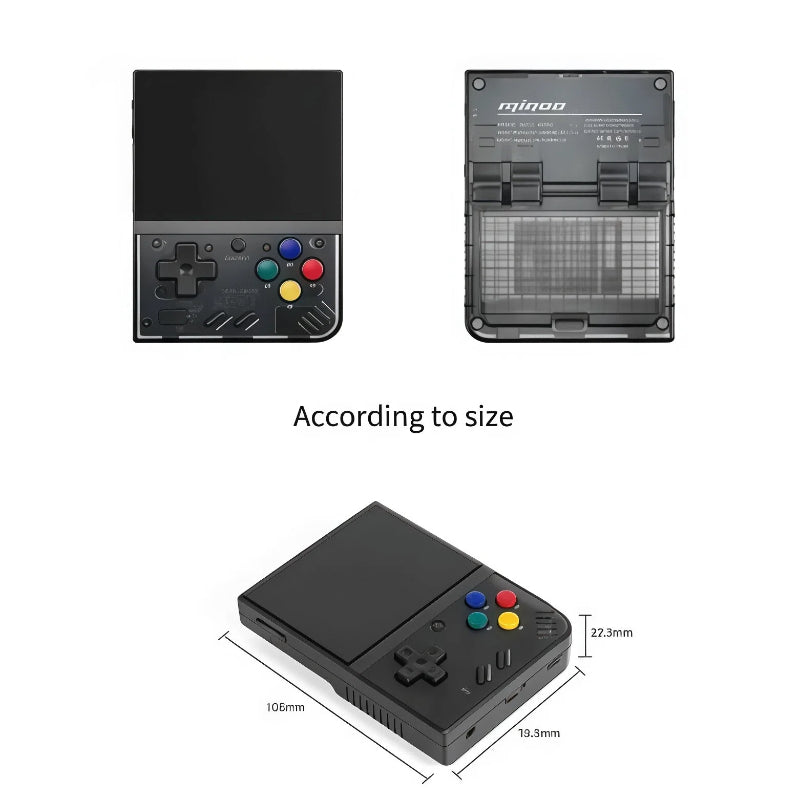
78.5mm x 108mm x 22mm
OnionOS/Linux
Cortex-A7, 1.2GHz
128 MB DDR3
3.5inch, 640 x 480 IPS Screen
Wi-Fi Battle
Support to expand up to 256GB
Built-in3000mAhLi Battery
5-6h
USB Type-C 5V/1A
About Miyoo Mini Plus
Frequently Asked Questions
What type of display does Miyoo Mini Plus have?
Miyoo Mini Plus features a 3.5-inch IPS display with 640x480 resolution, providing clear and vibrant visuals for retro gaming.
How long does the battery last and how do I charge it?
It has a built-in 3000mAh LiPo battery, lasting 4–6 hours. Charging takes 2–3 hours using the included USB-C cable.
Can I play multiplayer games locally?
Yes, Miyoo Mini Plus supports local multiplayer for battles with friends using multiple consoles.
Is Miyoo Mini Plus easy for beginners?
Absolutely. Its OnionOS system is intuitive, making it simple for both beginners and experienced gamers.
How portable is Miyoo Mini Plus?
Compact and lightweight, Miyoo Mini Plus easily fits in your pocket or bag, perfect for gaming on the go.
Does it come with games?
It may come with a selection of sample games. Users can add their own legally obtained games for play.
What languages does Miyoo Mini Plus support?
Supports multiple languages including English, Chinese, Japanese, Spanish, and more.
Can I connect Miyoo Mini Plus to a computer?
Yes, it works with both Mac and Windows for file transfers and firmware updates via USB-C.
How do I reset Miyoo Mini Plus to factory settings?
Access system settings and select the factory reset option to restore the device to its original state safely.